
Kanban is a visual method for managing work using columns (stages) and cards (work items), with an explicit limit on how many items are in progress at the same time.
The short version
Kanban is a way to see your work and limit how much of it is in progress at once.
You draw columns for the stages your work goes through — usually something like “Backlog → In progress → Review → Done”. Each task is a card that moves left to right across those columns as it progresses.
A Kanban board at a glance
- Write blog draft
- Fix login bug
- Review invoice design
- + 9 more
- Landing page redesign
- API rate-limit fix
- Q2 roadmap doc
- Onboarding email copy
- Migrate Stripe keys
- April newsletter
- Ship pricing page
The three rules that make it Kanban
Anyone can draw columns. What makes it Kanban is the discipline around them.
- Make the work visible. Every piece of work-in-progress is on the board. No hidden side-projects.
- Limit work-in-progress (WIP). Each column has a cap. If “In progress” is full, you cannot pull a new card in until one leaves.
- Manage flow, not people. You optimize for cards moving left to right. If one column stays full for days, something is stuck — fix the column, not the person.
Kanban vs Scrum, briefly
Both are ways of running work. They differ in one important axis: time.
- Scrum works in fixed-length sprints (usually two weeks). You commit to a sprint, ship it, review, plan the next one.
- Kanban is continuous. There are no sprints. Work flows through the columns as capacity allows.
- Fixed 2-week sprints
- Commit to scope up front
- Standup + review + retro rituals
- Planned velocity
- Continuous flow
- Pull work when capacity opens
- Fewer mandatory rituals
- Observed throughput
Tools that implement Kanban well
Every modern PM tool offers a board view. These are the ones small teams default to:
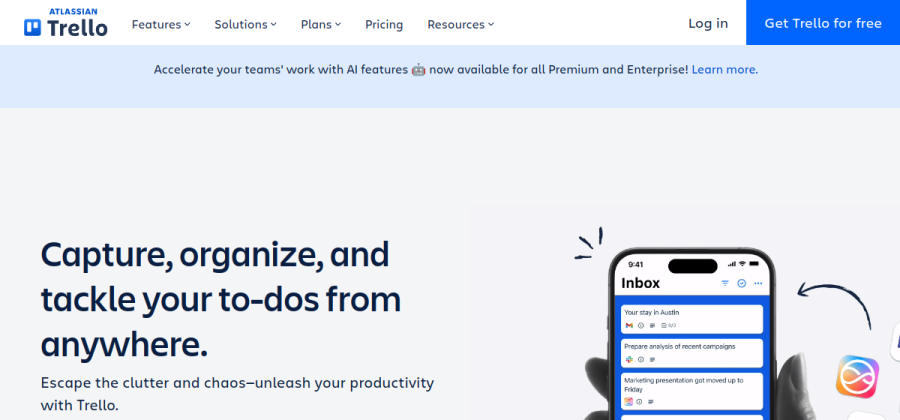

The original dead-simple Kanban tool. Boards, columns, cards — nothing else getting in the way.
Open trello.com

Fast, keyboard-first PM tool. Its board view is beautiful and defaults to a healthy WIP habit.
Open linear.app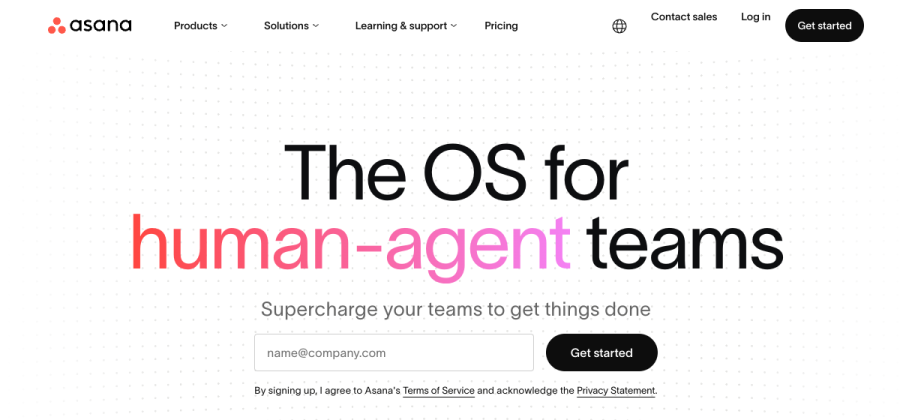

Board view of structured tasks. Good when some of your team wants lists and another wants a Kanban board.
Open asana.com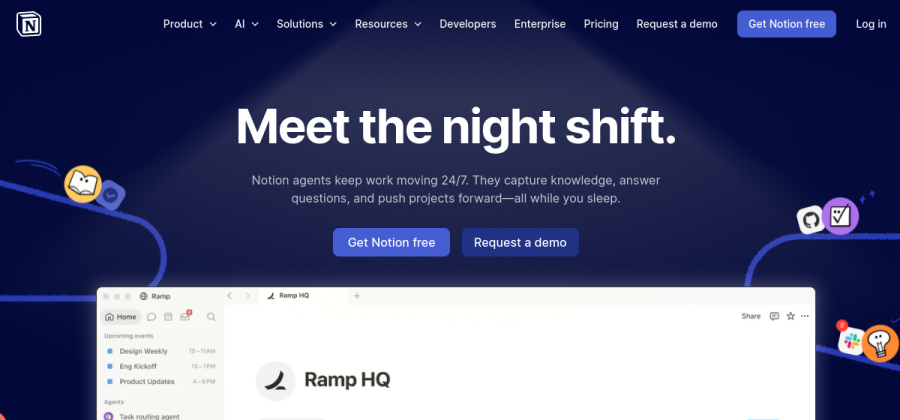

Kanban as one of many views on a database. Handy when tasks live next to docs in the same workspace.
Open notion.so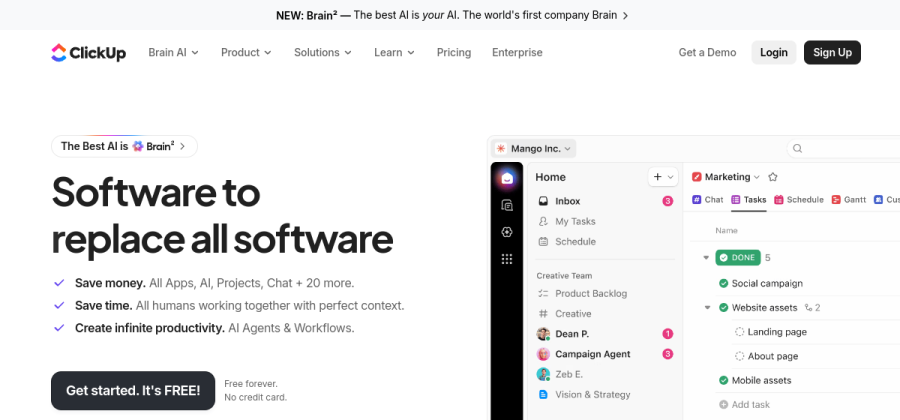

Everything-in-one tool with a Kanban view. Good when you want to centralize and do not mind UI density.
Open clickup.comAll five offer a Kanban board on the free tier. Pick on team fit — the board layout itself is almost identical.
When Kanban is not the right method
Kanban works for teams with steady, flowing work. It struggles when:
- Work is deadline-driven in batches (agencies shipping three campaigns on the same Friday) — Scrum sprints fit better.
- Work is highly dependent in sequence (construction, regulated releases) — a Gantt timeline tells the truth more clearly.
- Work is one-off and emergent (research, early-stage R&D) — a simple doc and weekly check-ins may be enough.
FAQ
Is Kanban the same as a to-do list?
No. A to-do list has items. Kanban has items plus columns that show the stage of each item, plus an explicit limit on how many items are in the “doing” stage.
Do I need WIP limits for a solo founder?
A loose WIP limit for yourself is one of the highest-leverage productivity habits. Cap “In progress” to 2 or 3. You will finish more, faster.
What is the best free Kanban tool?
Trello for pure simplicity; Linear if you want a beautiful, fast modern tool and you are an engineering team; Notion if your Kanban board should sit next to your docs.
Is Kanban Japanese?
The word is, and the method originated from Toyota’s production system in the 1940s. The software version was adapted by David Anderson in the 2000s for knowledge work.