
One-line verdict
Asana wins when your team needs structured tasks, dependencies and progress reports.
Trello wins when your team needs a single board, a few columns and zero overhead.
If you cannot decide from that one sentence, keep reading — the rest is about which description fits you.
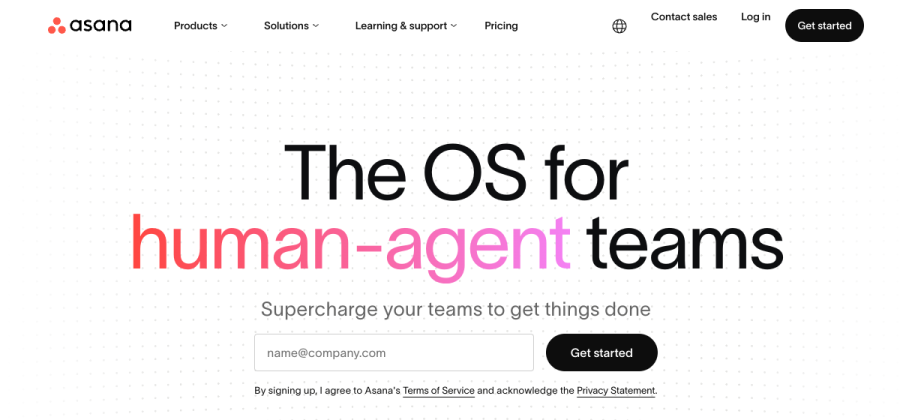

Structured project management with tasks, subtasks, dependencies, timelines and dashboards. Strong for non-engineering teams.
Open asana.com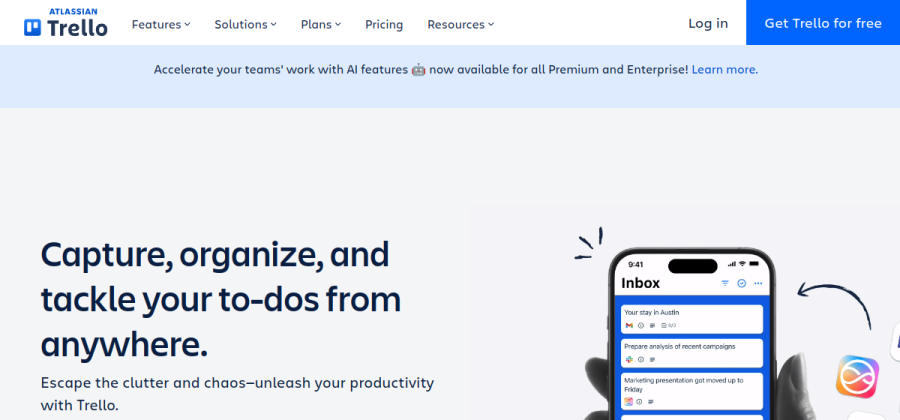

A classic Kanban board — columns, cards, drag and drop. Loved for being simple on purpose.
Open trello.comBoth are mature, well-funded tools. The question is not which is better; it is which is better for your team.
Where Asana wins
Asana shines the moment tasks stop being independent.
- Dependencies. “Task B cannot start until Task A is done” is a native concept. Trello has power-ups for it but it is duct tape.
- Timelines and reports. Asana produces Gantt-style timelines and custom dashboards out of the box. Trello needs add-ons.
- Rules and automation. Assign this, move to that, notify someone — Asana’s built-in rules cover most small-team workflows without a paid Zapier plan.
- Multiple views. List, board, timeline and calendar views on the same data. Your PM uses a list, your designer uses a board — same tasks.
Where Trello wins
Trello shines the moment simplicity is the feature.
- Zero learning curve. New team members are productive in fifteen minutes. No training, no config, no “how does Asana’s multi-homing work again?”
- One board, one purpose. Trello boards stay legible because they refuse to grow into the universe. That is a feature, not a bug.
- Fast for side projects. A content calendar, a launch checklist, a moving-house board — Trello feels right. Asana feels too formal.
- Power-Ups when you need them. Calendar, votes, card repeater — opt-in, not baked in.
How they differ, at a glance
- Dependencies — strong
- Timeline view — strong
- Custom fields — strong
- Reporting dashboards — strong
- Simple Kanban — okay
- Learning curve — moderate
- Simple Kanban — strong
- Zero learning curve — strong
- Power-Ups marketplace — strong
- Dependencies — weak (add-ons)
- Reporting — weak
- Cross-project views — weak
Pricing reality check
Both offer a free tier generous enough to decide if the tool fits.
- Asana Free: up to 10 collaborators, unlimited tasks, basic views.
- Trello Free: unlimited cards, up to 10 boards per workspace, basic Power-Ups.
Most small teams outgrow Trello’s board cap before they outgrow Asana’s collaborator cap. Budget accordingly.
When to pick a different tool entirely
Asana and Trello are both great, but neither is the universally right pick.
- If your team is engineering-heavy and fast-moving, Linear is probably the better default — faster, more opinionated, less ceremony.
- If your team lives in documents as much as in tasks, Notion may fit better. Less structure, more writing.
- If you want “everything in one tool” at the cost of UI density, ClickUp is the swiss-army knife.
See our full roundup on the best project management software for small teams for the bigger picture.
- 1One board or many?Mostly one shared workflow on a single board → Trello. Several parallel workstreams and cross-project views → Asana.
- 2DependenciesTasks often block other tasks with real handoffs → Asana. Work is mostly independent cards → Trello.
- 3ReportingYou need timelines, portfolios or dashboards → Asana. Status on the board is enough → Trello.
FAQ
Is Asana better than Trello overall?
Not universally. Asana is better for teams that need structure, reporting and dependencies. Trello is better for teams that want one simple board and zero overhead.
Can Trello replace Asana for a small marketing team?
Sometimes yes. If your “marketing” is really one content calendar and a launch checklist, Trello is enough. If you run multi-person campaigns with handoffs and deadlines, Asana pays back its learning curve quickly.
What do I lose if I pick Trello and then need to grow?
Cross-project reporting and real dependency management. You can migrate (Asana has a Trello importer) but you will spend a weekend rebuilding custom fields. Plan to re-evaluate at 6 and 12 people.
Is there a free plan I can actually live on?
Both free tiers are generous for solo founders and teams under five. Trello caps boards; Asana caps advanced views. Read the plan pages before you assume.