
Why small teams pick the wrong tools
Small teams do not pick bad software because they are lazy. They start from the wrong question: “What tool should we use?” instead of “What problem are we solving?”
By the time you are comparing pricing pages, the decision has already gone sideways.
The five-step flow
- 1Name the problemOne sentence, no tool names.
- 2Define good outcomesWhat changes in two weeks.
- 3Shortlist 2–3Not ten. Two or three.
- 4Pilot on real workNot a vendor demo.
- 5Commit and reviewOwner + review date.
Step 1: Write the problem in one sentence
Open a doc. Write the problem concretely, in one sentence. No tool names.
- Bad: “We need a project management tool.”
- Better: “We keep missing client deadlines because work lives in Slack and nobody can see everything in one place.”
Specificity upstream saves weeks downstream.
“We need a project management tool.”
“We miss client deadlines because work lives in Slack and nobody sees one queue.”
Step 2: Define “good outcome” in two weeks
Picture the team two weeks after adoption. What is different?
Write three outcomes, measurable where possible:
- “Everyone can see all active client work in under 30 seconds.”
- “No task is missed because it lived only in chat.”
- “We can answer ‘what is due this week’ without a meeting.”
These are your acceptance criteria. If a tool cannot plausibly deliver them, it is out.
- Anyone can see active work in under 30 seconds.
- No task dies because it lived only in chat.
- “What is due this week?” does not require a meeting.
Step 3: Shortlist 2–3 tools — not ten
The temptation is to compare everything. Do not.
A four-filter pass gets you to three candidates quickly:
- Fits the job. Built for the problem you wrote in step 1.
- Fits the team. Daily users will not hate it.
- Fits the budget. Per-seat × team × 12 months feels reasonable.
- Easy exit. You can export your data.
Here are reasonable starting points by category:

Fast PM tool for product teams. Defaults are opinionated in a useful way.
Visit site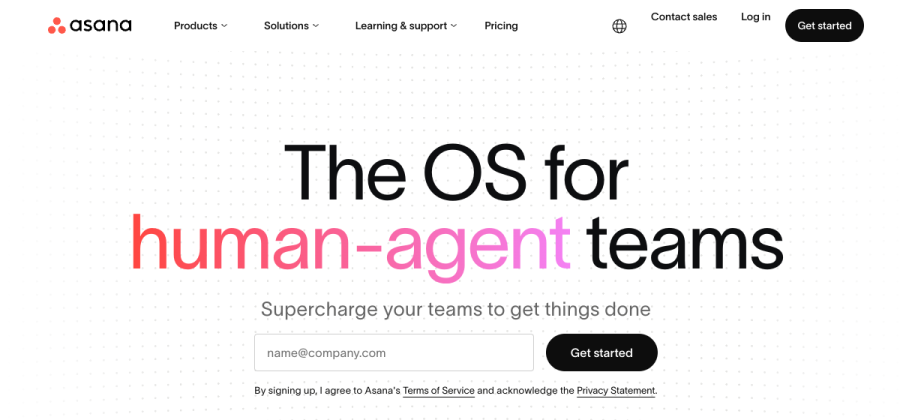

Clean task model with strong reporting. Safe pick for non-engineering teams.
Visit site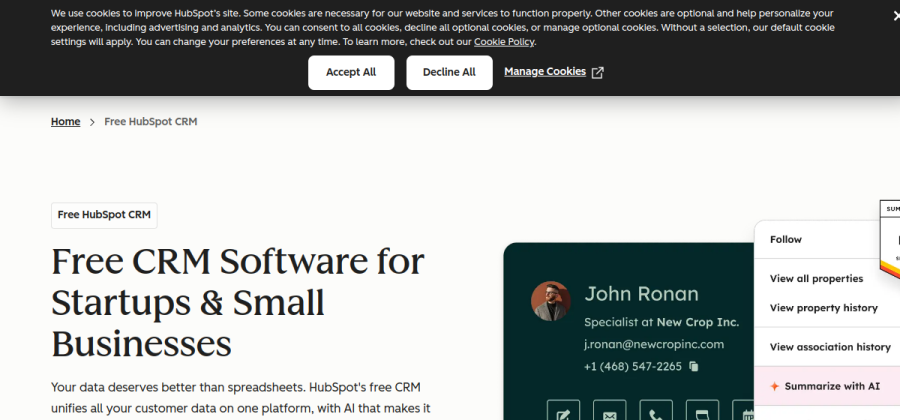

Generous free tier. Good when you might grow into marketing and email later.
Visit siteAlways add your own options — this is a jumping-off point, not a prescription.
Step 4: Run a real-work pilot — not a demo
Do not trust demos. Do not trust YouTube reviews. Do not trust vendor quizzes.
Pick one real, current project. Move it into each tool. Spend 3–5 days actually working there.
Pay attention to:
- How fast people get an answer they need.
- How many clicks the common actions take.
- How the tool feels on day 4, not day 1.
- Where you keep opening Slack or email to fill a gap.
Step 5: Pick, commit, and set a review date
Close the spreadsheet. Pick the one that made the real work easier. Name an owner. Schedule a 30-minute review in 60 days.
The review is non-negotiable. If the tool is not being used, stop paying. If it is being used, invest more — training, integrations, automations.
Common mistakes to avoid
- Letting the most senior person decide alone. The person who uses it daily should have veto power.
- Picking on feature count. You will use 10% of the features. Pick for that 10%.
- Migrating everything at once. Start with one project, then expand.
- Skipping the data-export check. If you cannot leave, you have no leverage.
Next steps
- Run the software decision checklist while you shortlist.
- Estimate cost with the small-team SaaS budget calculator.
- If the problem is project management, start with the best PM software for small teams.