
A CRM (customer relationship management tool) is software that keeps contacts, conversations and deals in one place so nothing gets lost as your client list grows.
The short version
A CRM (customer relationship management tool) is a shared place to store everyone you do business with — leads, prospects, current clients — and everything you need to remember about them.
Conversations. Meetings. Deals. Follow-ups. Notes.
A CRM pipeline at a glance
- 1LeadSomeone worth talking to.
- 2In conversationActively discussing work.
- 3Proposal sentYou have made an offer.
- 4Won or lostOutcome is recorded.
Most small teams do not need more than this. More stages means more maintenance and less clarity.
What a CRM actually does
- Stores contacts and companies with clean, searchable records.
- Logs conversations from email, calls or meetings next to the right contact.
- Tracks deals through a simple pipeline.
- Sets reminders so no follow-up gets lost.
- Reports on response rates, deal velocity and close rate.
What a CRM does not do
A CRM is not a project management tool, a billing system, an inbox or a help desk. It can integrate with those, but it will not replace them.
Using your CRM as all of them is the fastest way to abandon it inside a month.
Three CRMs small teams actually pick


Generous free tier. Good option when you might grow into marketing and email automation.
Visit site

Clean, pipeline-first CRM that has aged well. Simple to adopt, fast to find a deal.
Visit site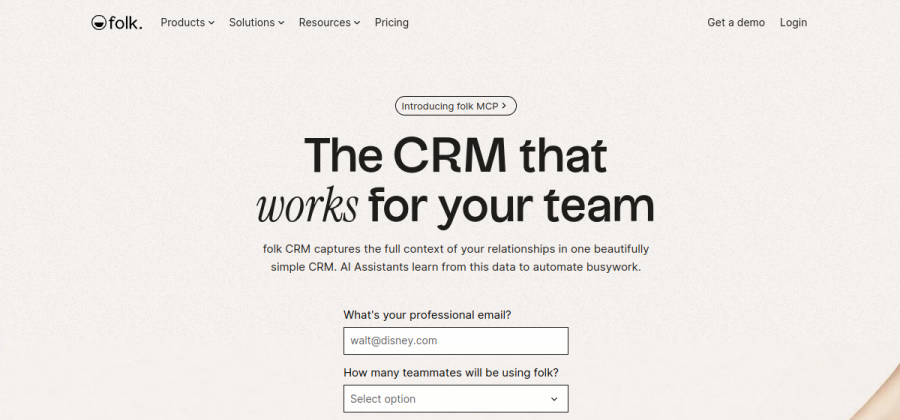

Relationship-first CRM with beautiful UX. Loved by solo founders and small creative teams.
Visit siteIndependent picks. Always test with one real client before committing.
When your team actually needs one
You probably need a CRM when:
- You manage more than 20–30 active leads or clients.
- Multiple people talk to the same customers.
- You lose track of “last contact was when?”.
- You want to know what marketing or outreach is actually converting.
You probably do not need one yet if you have five active clients, one person doing sales and a tidy inbox.